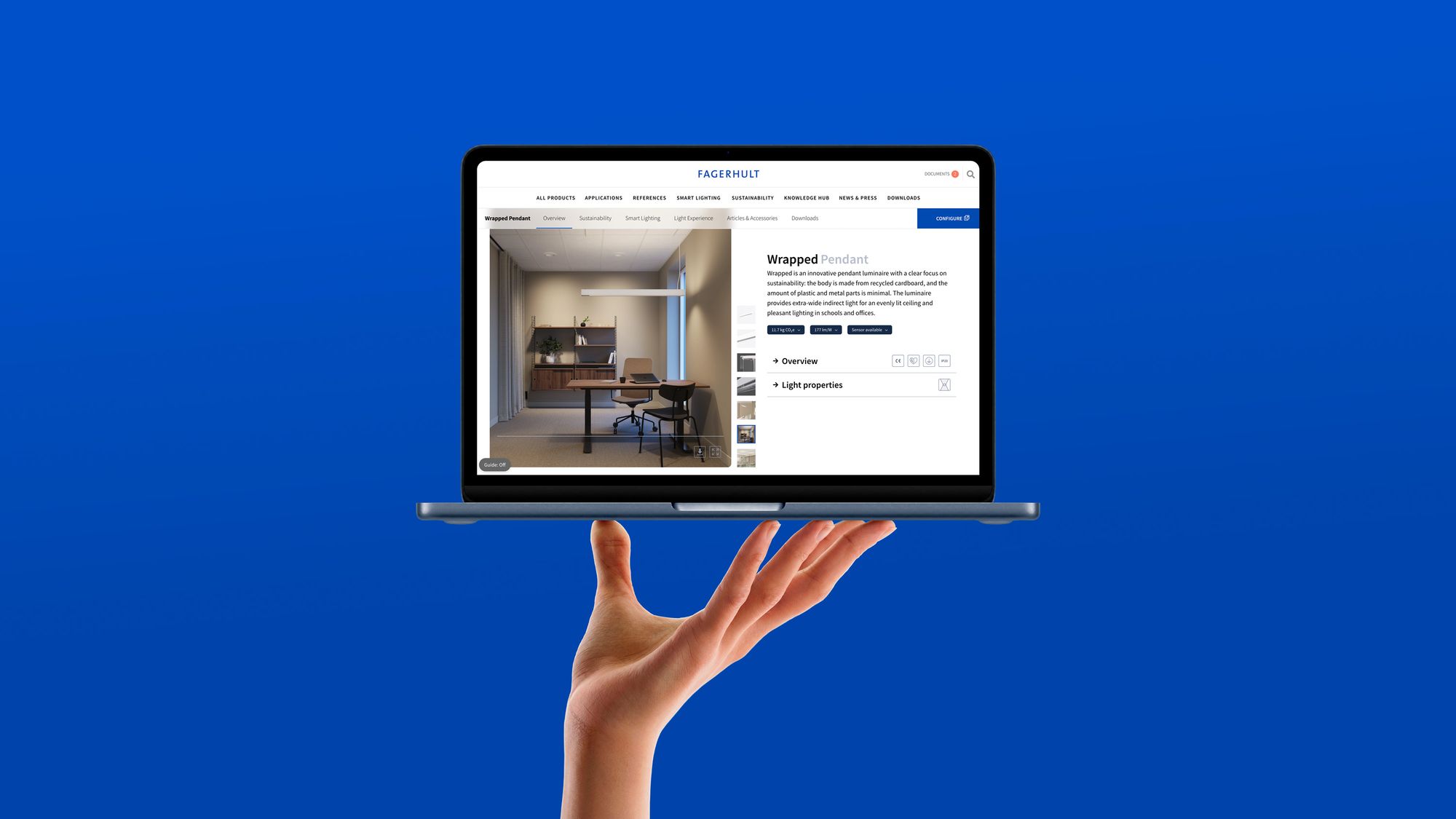
Filtering, search and product Information
The new filtering pages are built on an improved product structure based on the luminaire’s main installation, combined with predefined filters, a clear search function, and guiding information panels. Concise messaging and helpful icons make navigation easier, while dynamic content areas highlight current products and campaigns.
Inspiring visualizations and clear context
Through environmental images and visual examples, users can see how the products work in real-life settings and the effect the light creates. This helps translate technical specifications into a concrete experience and feeling. Close-up images highlight details and quality, while overall images provide a better understanding of the product’s role in the space. Together, these elements make it easier to both understand and choose the right solution.
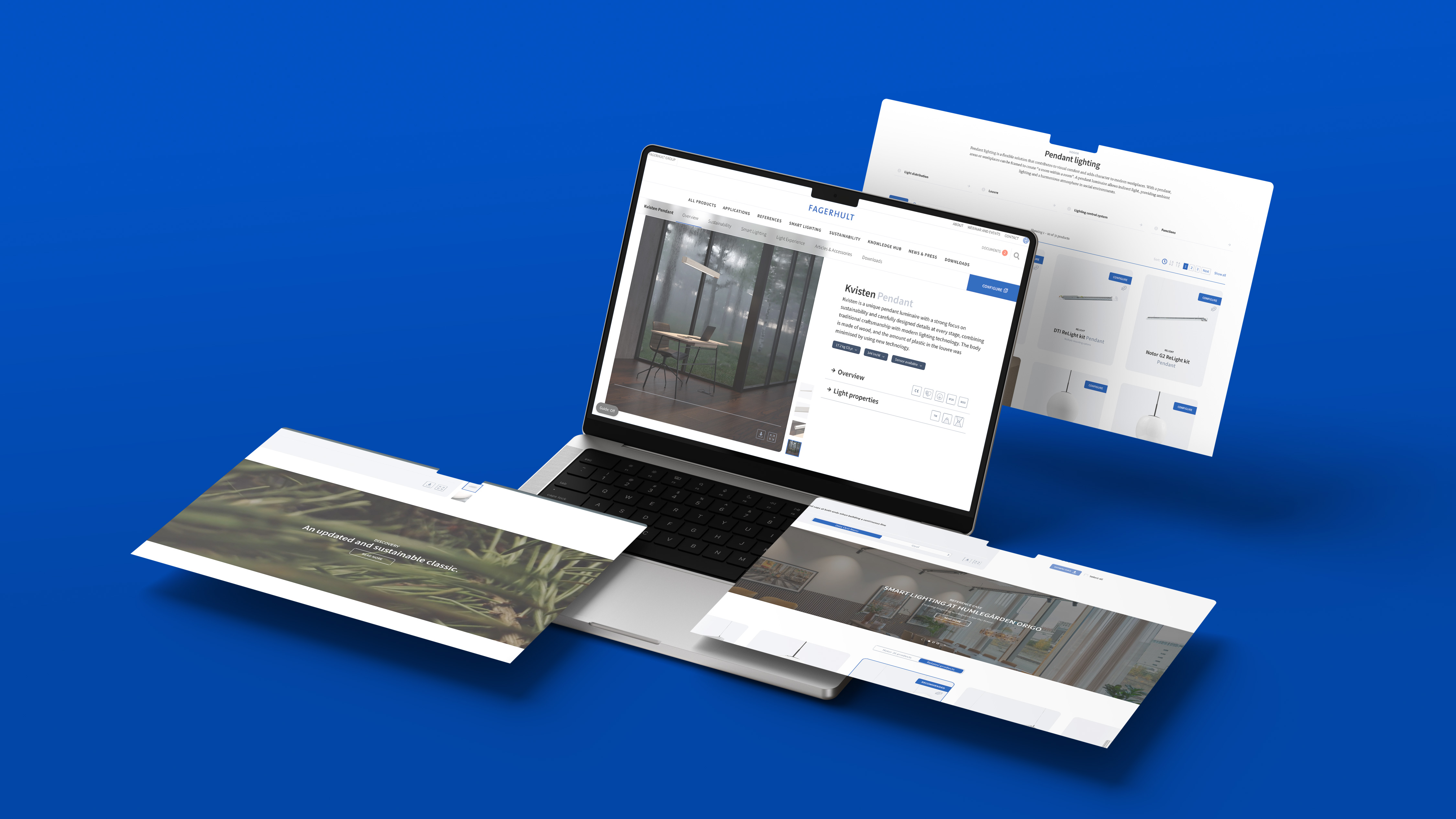
Focus on Sustainability, Smart Lighting and Light Experience
The product pages have been given a clearer structure with a guiding menu for easy navigation and more visual renderings that provide a better sense of the products in their environment. The content has been developed to both inspire and guide – with a particular focus on Fagerhult’s core values: Sustainability, Smart Lighting, and Light Experience.
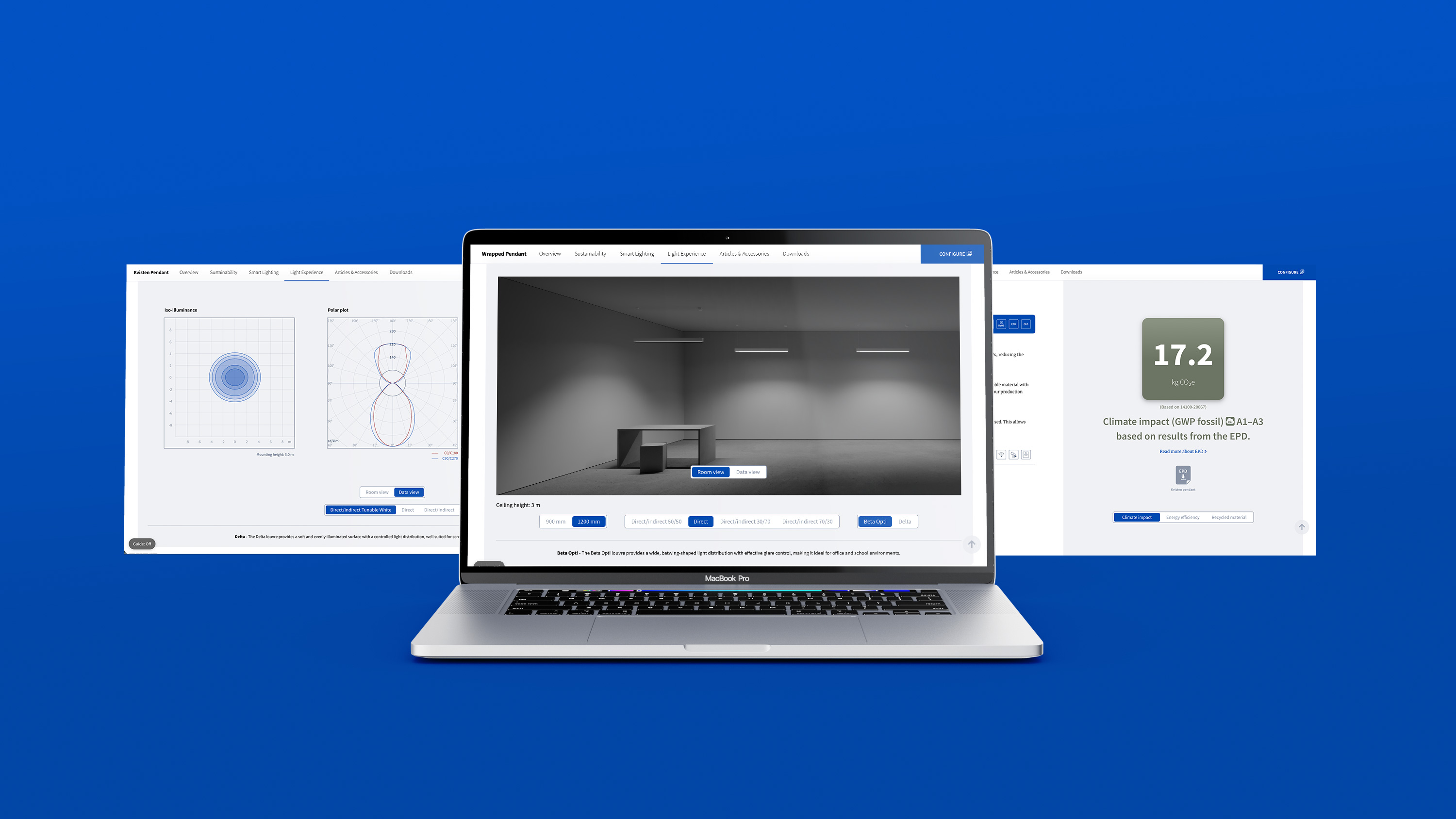
- Sustainability: Sustainability data (EPD) and key figures for efficiency and recycled materials are presented here.
- Smart Lighting: A simple overview of the different technical options for optimizing energy savings and creating efficient spaces.
- Light Experience: View the luminaire’s lighting experience through graphical visualizations in the room view and explore new charts that illustrate the effect of light in the data view.
Standard products and Configure products
For standard products, article information has been improved and structured more clearly, while product lists for Configure products have been replaced with more tailored guidance. In our configurator, you can easily find your specific article, and already on the product page you can download a ZIP file with sample files such as lighting data files and 3D files. Our accessories have also been categorised for a clearer overview when selecting complementary products.
User Guide
To support users, a web-based guide is available (visible at the bottom left corner) and can easily be activated or deactivated as needed. The guide helps users navigate the new features and get the most out of the experience.